What is Shopwaive?
Shopwaive is a Shopify app that gives customers, staff and B2B buyers a balance they spend in your store. Loyalty programs, team allowances and company wallets all run on that balance, at checkout and at Shopify POS.
Is Shopwaive a loyalty app?
Yes. Customers earn a balance shown as points or money and spend any amount of it in one press. Earning rules and campaigns are set on the Loyalty page in Shopwaive's settings, with no Shopify Flow needed.
Can I use Shopwaive alongside my current loyalty app?
Yes. Keep your points app for shoppers and use Shopwaive for staff wallets, company wallets, returns paid to a balance and any-amount spending at the register. Plan for three things. Your points app may award fewer points on the part of an order paid from a Shopwaive balance. Shoppers may see two balances, so name each by its purpose. If both apps pay into Shopify's native store credit, shoppers see one combined figure.
Can employees have their own wallets?
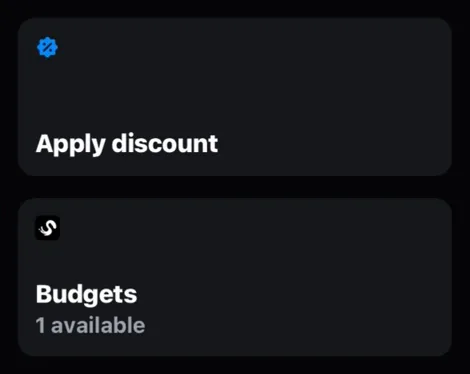
Yes. Staff get their own balances, each deposit with its own expiry date. With Budgets, one person holds several named budgets, each with its own amount, expiry date and PO number, and you download a month-end file by budget and PO. They spend them at checkout and in Shopify POS.
Does Shopwaive work at Shopify POS?
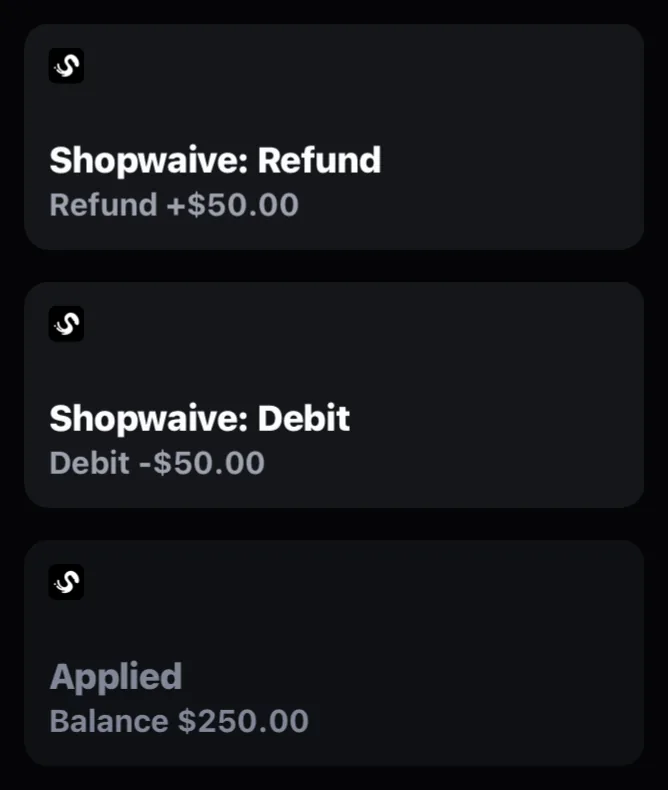
Yes. Nine Smart Grid tiles work at the register: Account, Loyalty, Refund, Debit, Invoice, Admin, Redeem Gift Cards, Send Gift Cards and Charge account for stores with charge accounts. The Loyalty tile shows a customer's points and the rewards they can use, and staff tap Redeem to use one. The Account tile applies the customer's balance up to the total due.
When does the balance leave a customer's account?
When Shopify marks the order as paid. An abandoned checkout takes nothing, online or at the register.
How much does Shopwaive cost?
Plans are $15, $45 and $60 a month, each with a 7-day free trial. Usage is $0.75 per Shopwaive customer for the first 4,000 and nothing after that, and total usage is capped at $2,998 a month for each domain. B2B Checkout, multi-currency conversion, Shopify POS invoicing and enterprise features designed for Shopify Plus carry a feature usage charge. The pricing page has the details and example scenarios.
Do I need Shopify Flow to run loyalty?
No. Earning rules and campaigns are set on the Loyalty page in the Shopwaive app. Flow is optional, for rules of your own that the settings do not cover.
How long does it take to launch a loyalty program?
About 2 minutes and 3 clicks on a paid Shopwaive plan: open Loyalty, choose a ready program, then press Go Live. Your Rewards page can be on your online store in about 5 minutes. You can change every setting later.
When do customers get their points?
When the order is paid or fulfilled, as you choose, after any wait you set, such as your return window. Points on their way show as waiting.
Can points wait until an order is delivered?
Yes. Points can wait for Shopify's delivery status and then your return window, and customers see them as waiting until they land.
Do gift card purchases earn points?
No. Buying a gift card earns nothing; spending it earns, so the same money never earns twice.